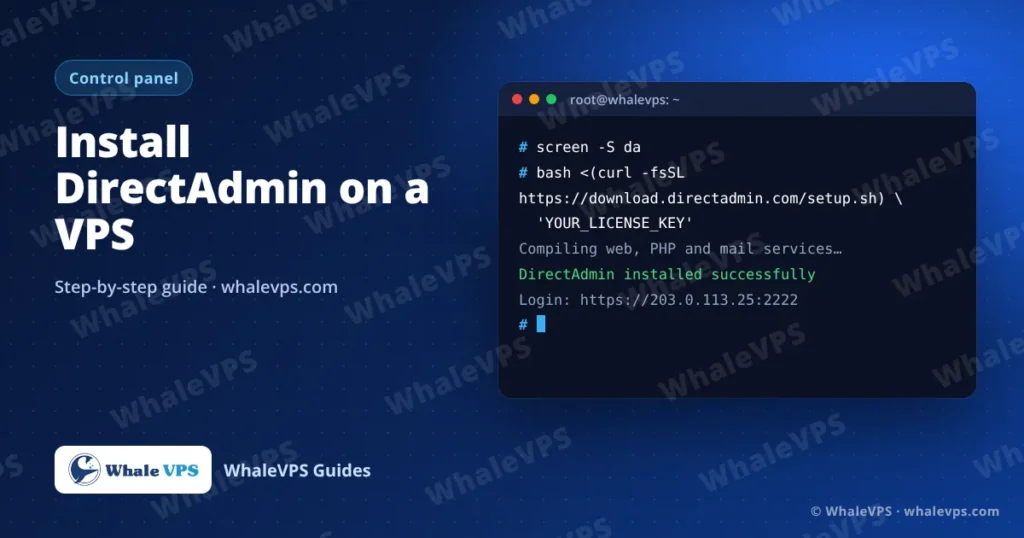
To install DirectAdmin, get a license key, log in to a fresh Linux VPS as root, and run bash <(curl -fsSL https://download.directadmin.com/setup.sh) 'YOUR_LICENSE_KEY'. The installer takes 15 to 40 minutes and prints the admin login when it finishes. The panel then opens at https://YOUR_SERVER_IP:2222.
DirectAdmin uses less memory than most hosting panels, which makes it a good match for a small or mid-size VPS that will host a handful of websites and mailboxes.
Requirements
| Item | What you need |
|---|---|
| Operating system | A fresh, supported 64-bit release: AlmaLinux, Rocky Linux, Debian or Ubuntu LTS |
| RAM | 2 GB for a few sites; 4 GB if you run spam filtering and many mailboxes |
| Disk | 20 GB free at minimum; NVMe storage makes builds and backups faster |
| IP | One dedicated IPv4 address (included with every WhaleVPS plan) |
| License | A DirectAdmin license key bound to the server’s IP |
Supported versions change over time, so confirm the current list in DirectAdmin’s documentation before you choose an image. Install on a clean OS: no web server, database or other panel should be present.
Planning to order a server for this? A 4 GB plan in a location close to your visitors is a comfortable starting point. Compare plans on the WhaleVPS locations page, for example in Poland or France.
Step 1: Connect and prepare the server
Log in as root over SSH (see how to connect to a Linux VPS with SSH if you need help).
Set a hostname that is a real subdomain you control, with an A record pointing to the server:
hostnamectl set-hostname server1.example.comUpdate the system and reboot. AlmaLinux or Rocky Linux:
dnf -y update && rebootDebian or Ubuntu:
apt update && apt -y upgrade && rebootStep 2: Run the installer
Reconnect, start a screen session so a dropped connection can’t interrupt the install, then run the installer with your key in quotes:
screen -S da
bash <(curl -fsSL https://download.directadmin.com/setup.sh) 'YOUR_LICENSE_KEY'
The script downloads DirectAdmin, then compiles and configures the web server, PHP, database and mail services. Grab a coffee: on a 2 to 4 vCPU VPS this takes 15 to 40 minutes.
Step 3: Save the login details
When the installer finishes it shows the admin username, a random password and the login URL. Copy all three into your password manager before you close the terminal.
Step 4: First login
Open the panel in a browser:
https://203.0.113.25:2222The browser warns about the certificate until you issue an SSL certificate for the hostname. Continue, then log in with the admin account.
Change the admin password straight away from the user menu in the top-right corner (Change Password).
Settings to check after the install
- Server Manager → Administrator Settings: set the contact email for system notices.
- SSL certificate for the panel: issue a free Let’s Encrypt certificate for your hostname so the browser warning disappears.
- Nameservers: if this server will host DNS, create
ns1andns2records and set them under Server Manager → Administrator Settings. - Brute force monitor: keep it on. It blocks IPs that keep failing logins.
- Backups: schedule admin backups under Admin Tools → Admin Backup/Transfer to a remote location, not only to the same disk.
Ports to open in a firewall
| Port | Used for |
|---|---|
| 2222 | DirectAdmin panel |
| 80, 443 | Websites |
| 21 | FTP (if enabled) |
| 25, 465, 587 | Sending mail |
| 110, 143, 993, 995 | Reading mail |
| 53 | DNS |
Frequently asked questions
DirectAdmin or cPanel: which is better for a VPS?
DirectAdmin needs less RAM and its license usually costs less, so it fits smaller servers. cPanel has a bigger ecosystem of plugins and a more familiar interface for many customers. If you need cPanel, read how to install cPanel & WHM on a VPS.
Can WhaleVPS install DirectAdmin for me?
Yes. Our support team installs DirectAdmin together with the operating system at no extra charge. You provide the license key.
I lost the admin password. What now?
Log in to the server as root over SSH and reset the password of the admin system user with passwd admin. Our guide on changing passwords from the Linux command line explains the command.
Can I install DirectAdmin on a server that already runs websites?
It isn’t supported. Back up the sites, reinstall the OS from the client area, install DirectAdmin, then restore the content.